
Appearance
Email delivery
Replora sends emails for invitations, password resets, alerts, funnel warnings, service status and announcements — and on SaaS for sign-up, trials, support tickets and affiliates. A new installation only writes emails to the log, so the first thing to set up is a real way to send them: an SMTP server, Mailgun, SendGrid or the server's sendmail.
Where: Settings › Installation › Email delivery (/settings#installation), administrators only.
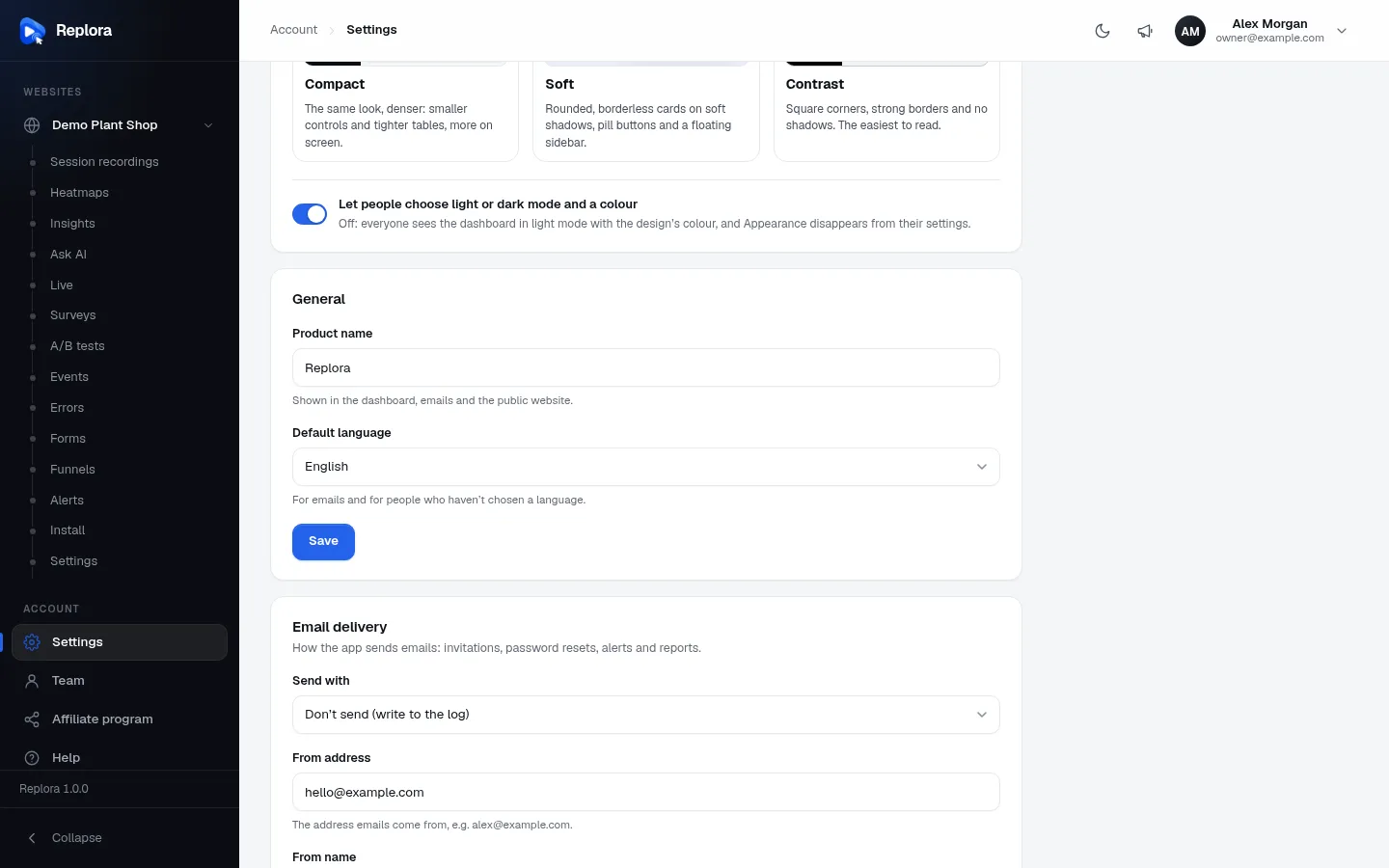
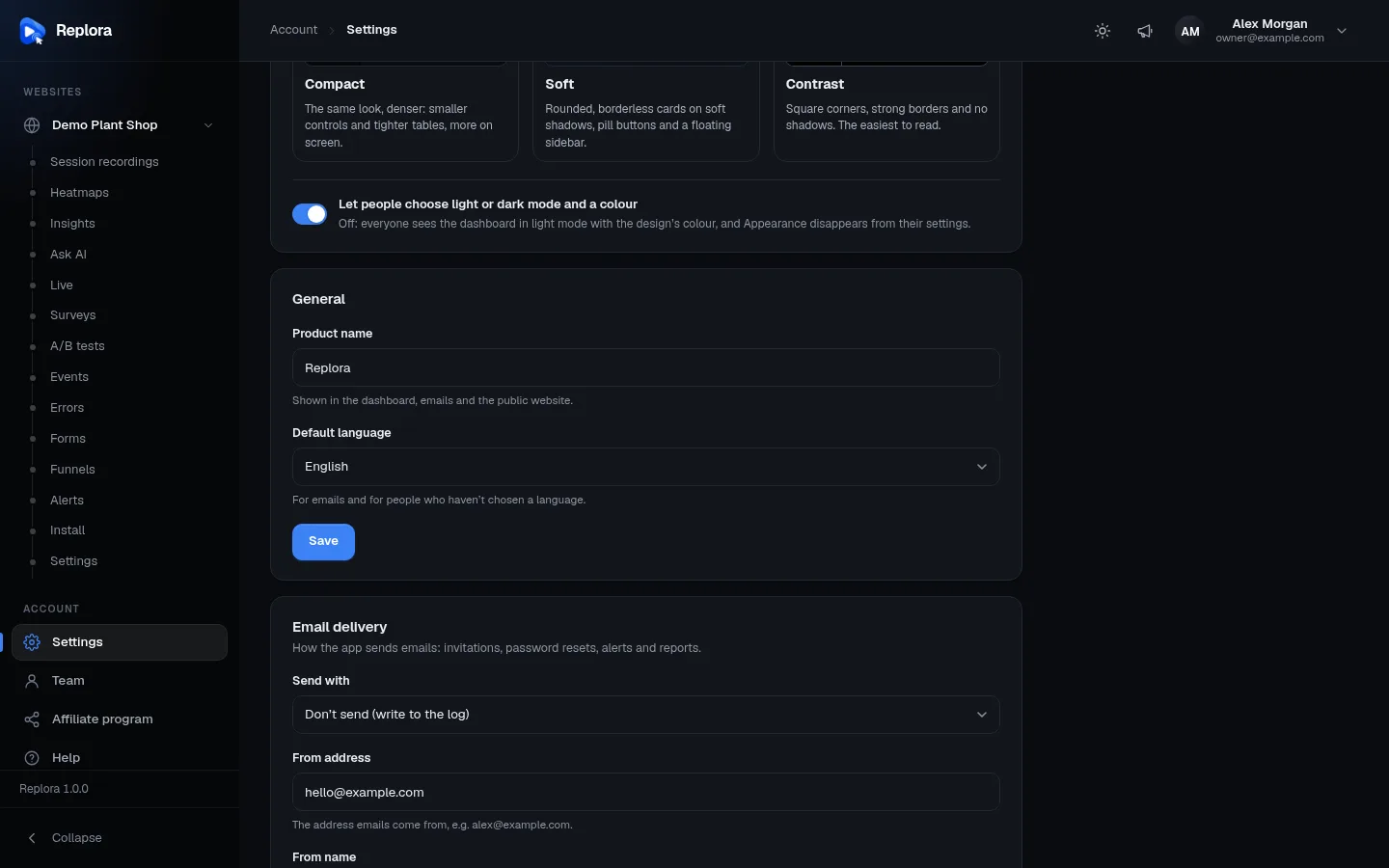
The fields
How the app sends emails: invitations, password resets, alerts and reports. The fields under Send with change with the service you pick.
| Field | Shown for | Default | What to enter |
|---|---|---|---|
| Send with | always | Don't send (write to the log) (MAIL_MAILER=log) | SMTP server, Mailgun (API key), SendGrid (API key), This server's sendmail, or Don't send (write to the log). |
| SMTP host | SMTP | 127.0.0.1 (MAIL_HOST) | For example smtp.postmarkapp.com. |
| SMTP port | SMTP | 2525 (MAIL_PORT) | 1–65535, required. Usually 587 (STARTTLS) or 465 (SSL). |
| Encryption | SMTP | STARTTLS when the server offers it | STARTTLS when the server offers it, or SSL/TLS from the start (port 465). |
| SMTP user name | SMTP | empty | Often your full address or an API user. |
| SMTP password | SMTP | — | Secret: shows Saved; empty keeps it; Remove deletes it. |
| Mailgun sending domain | Mailgun | empty | For Mailgun: the domain set up there, e.g. mg.yourdomain.com. Up to 253 characters. |
| Mailgun API key | Mailgun | — | For Mailgun: Account → API keys, or the domain's sending key. Secret. |
| Mailgun region | Mailgun | US | US (api.mailgun.net) or EU (api.eu.mailgun.net) — where your Mailgun domain lives. |
| SendGrid API key | SendGrid | — | For SendGrid: Settings → API Keys, with "Mail Send" access. The from address must be a verified sender there. Secret. |
| From address | always | [email protected] (MAIL_FROM_ADDRESS) | The address emails come from, e.g. [email protected]. |
| From name | always | the product name (MAIL_FROM_NAME) | Up to 100 characters. |
Values saved here win over the MAIL_* lines in .env (Environment).
Set up email
- Open Settings › Installation and scroll to Email delivery.
- Pick Send with.
- Fill in the service's fields (see your provider's SMTP or API page).
- Set From address to an address of a domain you control and have verified with the provider (SPF and DKIM), and a From name.
- Press Save, then Send a test email.
- Check your inbox (and spam folder).
Send a test email
Send a test email sends Test email from {product} — This is a test email from {product}. Email delivery works. — to your own sign-in address, with the saved settings. On success: Test email sent to you@…. On failure the card shows the mail server's answer: The email could not be sent: … (for example a wrong password or a blocked port). At most 5 tests a minute.
Save first
The test uses the saved settings. Press Save before Send a test email.
"Don't send" is the default
Until you choose a service, emails are only written to storage/logs: nobody receives invitations or password resets, and System › Service status shows Email delivery — Needs attention. With SMTP, the status check also connects to the mail server every five minutes and reports Failing when it can't be reached (Service status).
Common providers
| Provider | Send with | Settings |
|---|---|---|
| Postmark, Amazon SES, Brevo, Mailjet, your host's mailbox… | SMTP server | Their SMTP host, port 587 with STARTTLS (or 465 with SSL/TLS), user name and password or SMTP token. |
| Mailgun | Mailgun (API key) | Sending domain, API key, region. |
| SendGrid | SendGrid (API key) | API key with Mail Send access; From address must be a verified sender. |
| A server with a working local mail transfer agent | This server's sendmail | Nothing else. |
The emails Replora sends
Emails go out in the reader's own language (their language setting, else the Default language), right to left for Arabic, with the product name in the header and footer.
| Sent to | When | Module / edition | |
|---|---|---|---|
| You are invited to {product} | the invited address | An administrator (Users) or an account manager (Team) invites someone | core |
| Reset Password Notification (Laravel's standard email) | the person | Forgot password on the sign-in page | core |
| Test email from {product} | you | Send a test email | core |
| A service of {product} is failing / All services of {product} work again | every active administrator | The five-minute check sees a service fail or recover | core (Service status) |
| Announcement (its title as subject) | every user who isn't suspended | An administrator publishes an announcement with Email it to everyone | Announcements (Announcements) |
| Alert (the alert's headline) | the alert's email addresses | An alert matches, or as a digest | Alerts (Alerts) |
| Funnel "…" on … converts worse | the account's managers | A funnel's conversion drops | Funnels |
| This month's / Today's recording sessions are used up | the account's managers | The plan's session allowance is used up | Recordings |
| Confirm your email address for {product}, Welcome to {product} | the new user | Self sign-up | Sign-up SaaS |
| Your free trial of {plan} ends in N days / …ends tomorrow | the account's managers | Before a free trial ends | Plans SaaS |
| Support ticket emails (new ticket, new reply, assigned, deadlines) | customers, agents, staff addresses | Ticket activity | Support desk SaaS |
| Your affiliate payout of … is on its way / N affiliates are ready to be paid | the affiliate / administrators | Payout sent / payouts due | Affiliates SaaS |
| Contact message | the company's contact address | A visitor uses the website's contact form | Public website SaaS |
Most emails are sent while the request runs. Announcement emails are queued and sent by the background worker, so with a queue driver other than sync a worker must run: see Background worker & email.
Change the texts of emails
Every email text is translatable: open Translations, choose a language and the area Emails and messages, and give any line your own wording.